ChatGPT: From Webpage to Slides
ChatGPT从网页到幻灯片思路分享
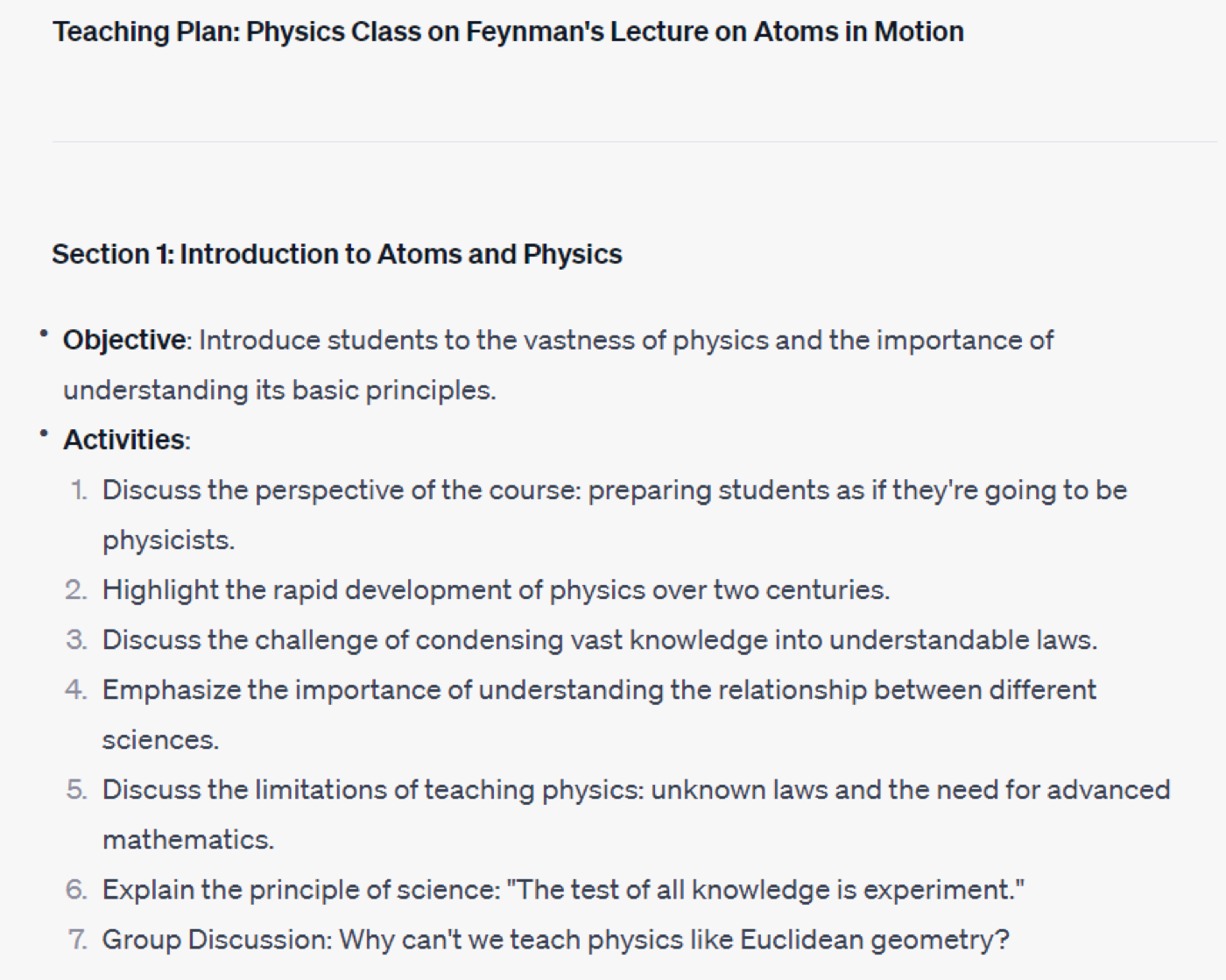
Using the Feynman Lectures on Physics as a test case — a resource I have long wanted to turn into teaching materials — here is a quick workflow for going from a webpage to a structured outline, a teaching plan, and a downloadable PowerPoint, using ChatGPT plugins.
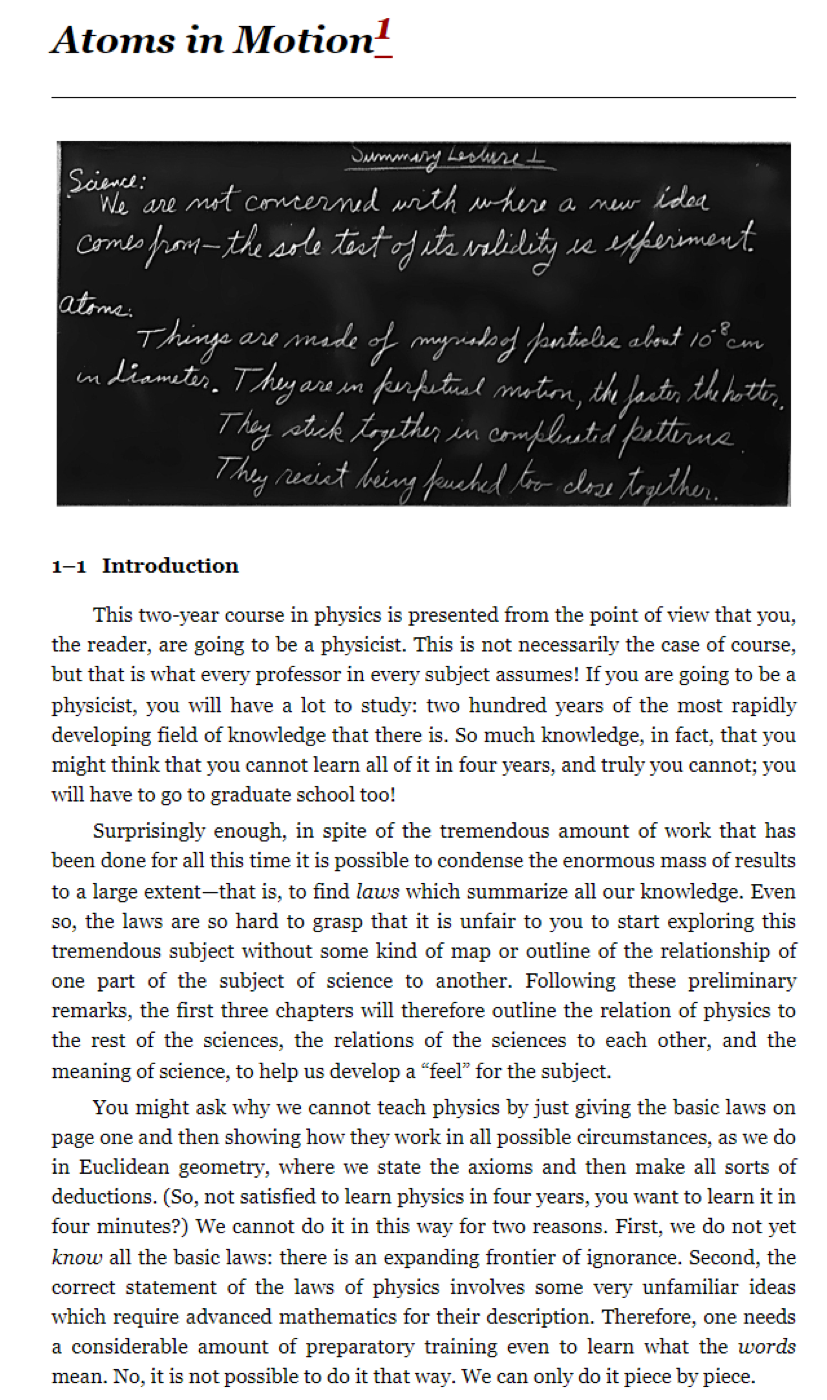
Open the target webpage. The same workflow applies to a PDF or any other document. The goal: extract and summarise the content, build an outline, then produce slides for teaching. The example below uses the Caltech Feynman Lectures page.
Open GPT-4 with the Webpilot plugin active — in testing it outperformed the other web-reading plugins. Prompt it to generate a Markdown mind-map outline of the page.
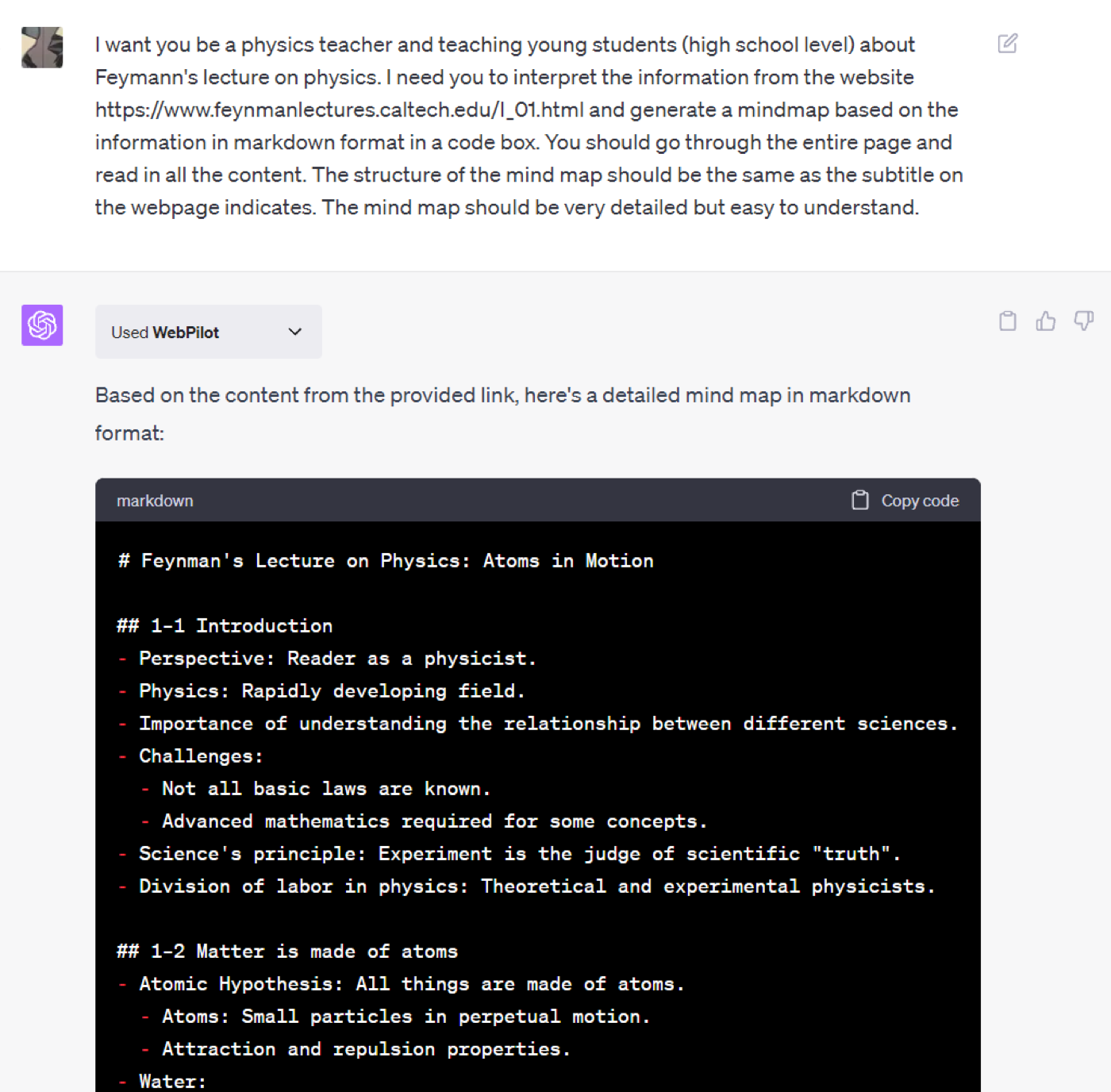
Note: Webpilot has content-length limits. For Feynman Chapter 1 it could only read through Section 1-3. At this stage you can also ask GPT to produce a Teaching Plan alongside the outline.
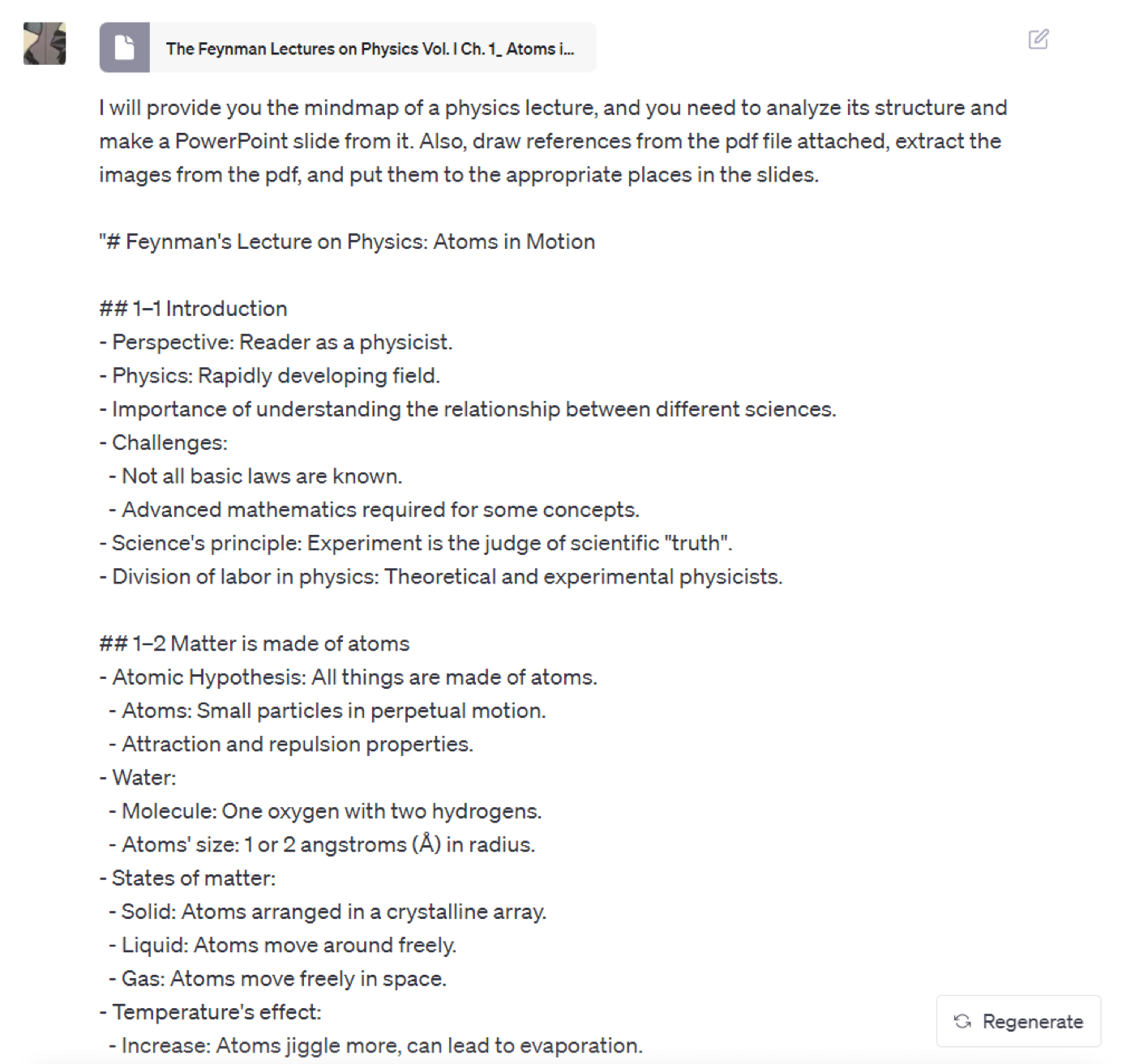
The less obvious move here — rather than piping the Markdown into Slidev or a similar converter — is to open a new chat, switch to the Code Interpreter plugin, and ask it to generate a .pptx file directly. You can upload files here; in this test I uploaded the Caltech page as a PDF, hoping it would extract the images for the slides. (It did not.)
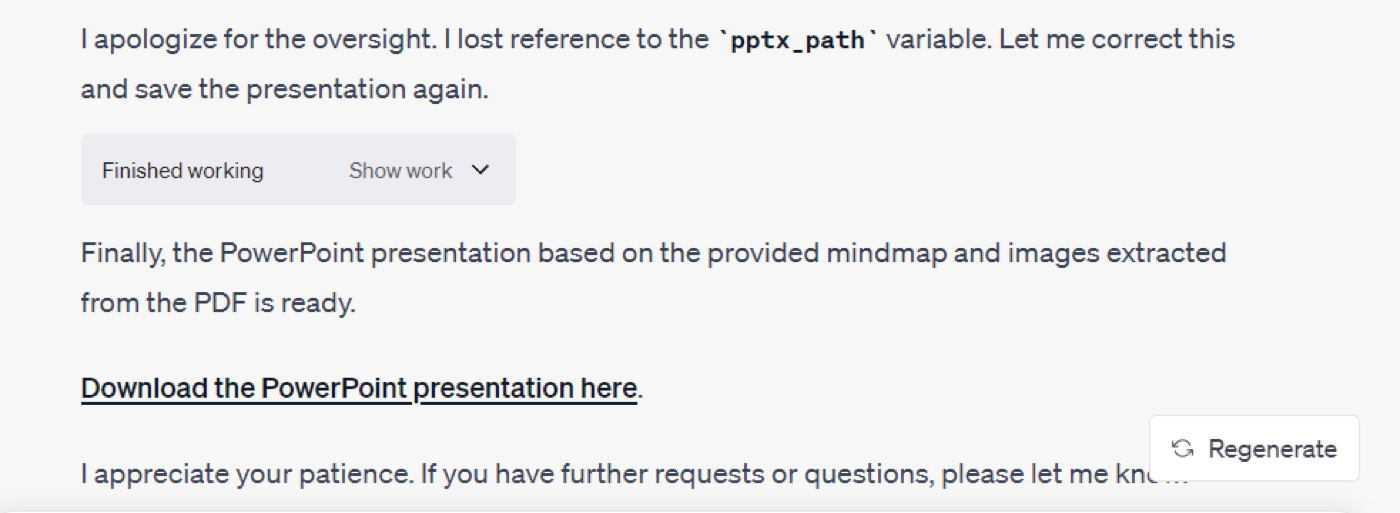
The process is messy — the AI generates code, runs it, hits errors, and retries. If you want a cleaner path, provide a python-pptx template for it to follow as a reference.
The output: not a single content image was captured, but every navigation icon on the page was faithfully extracted. Classic AI literalism.
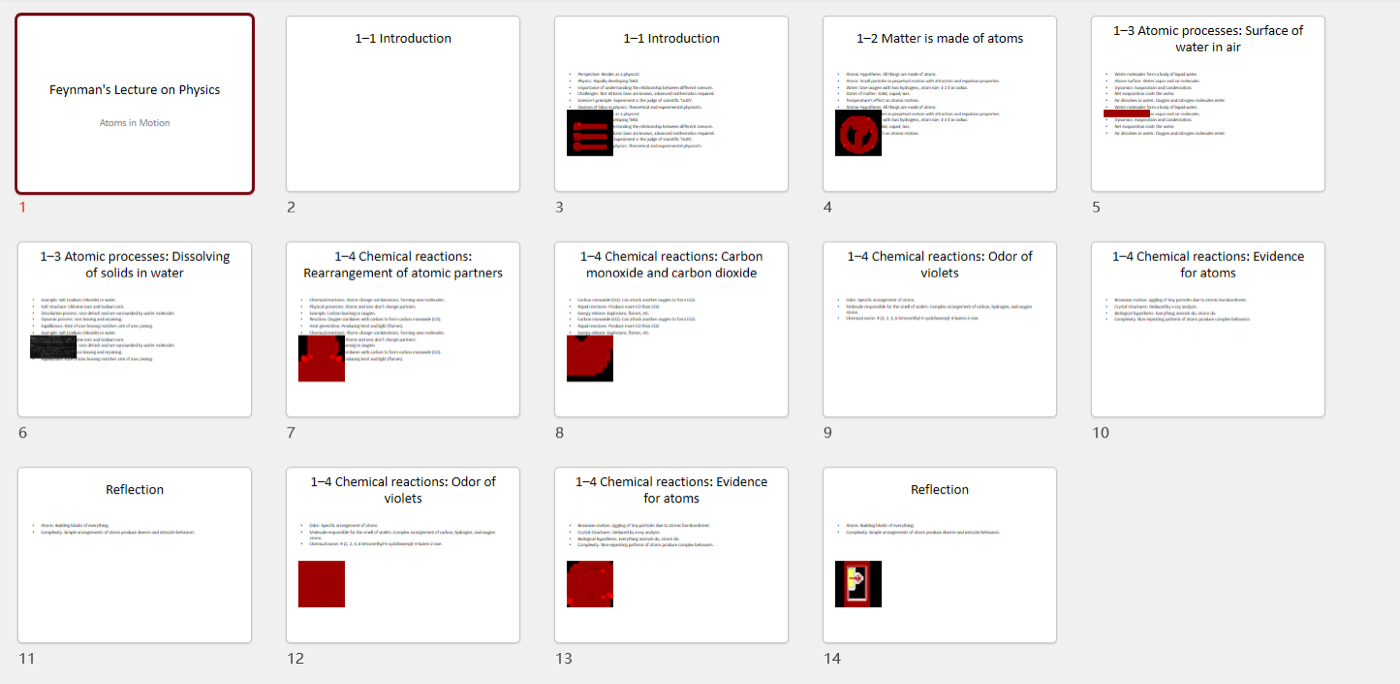
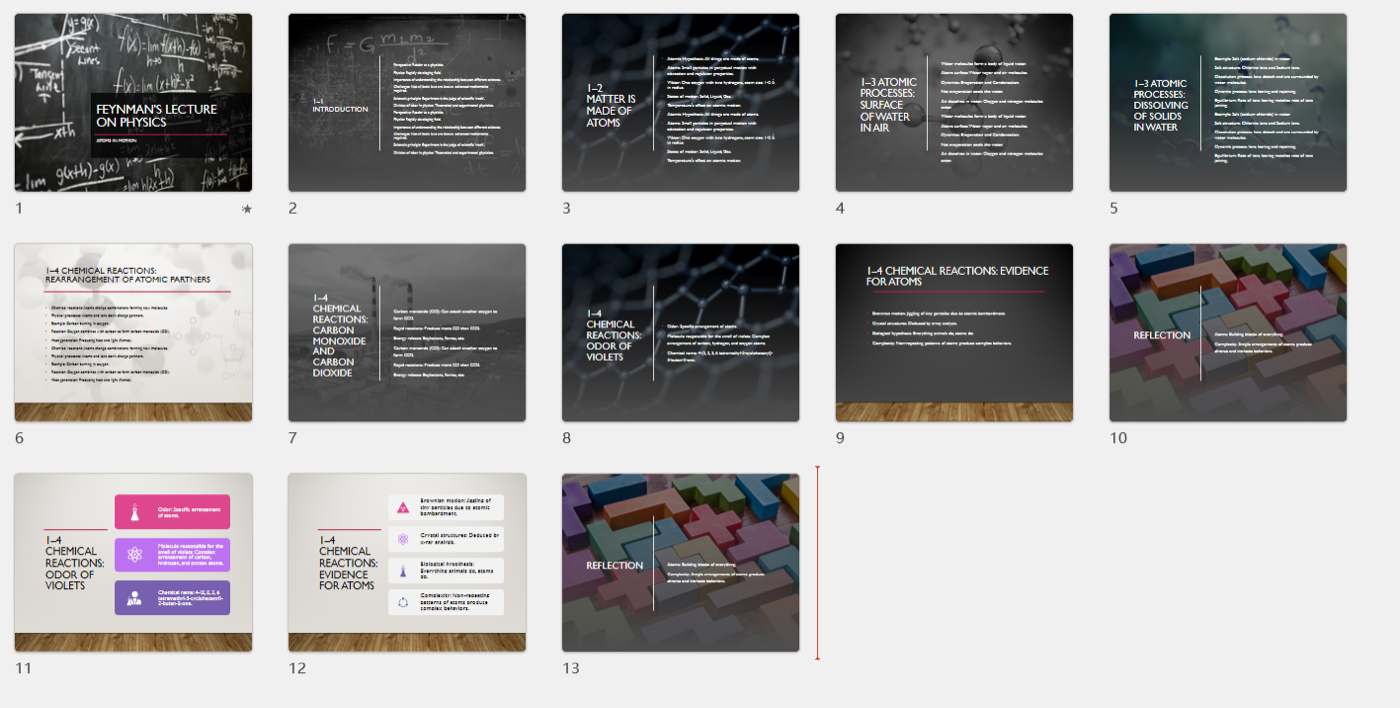
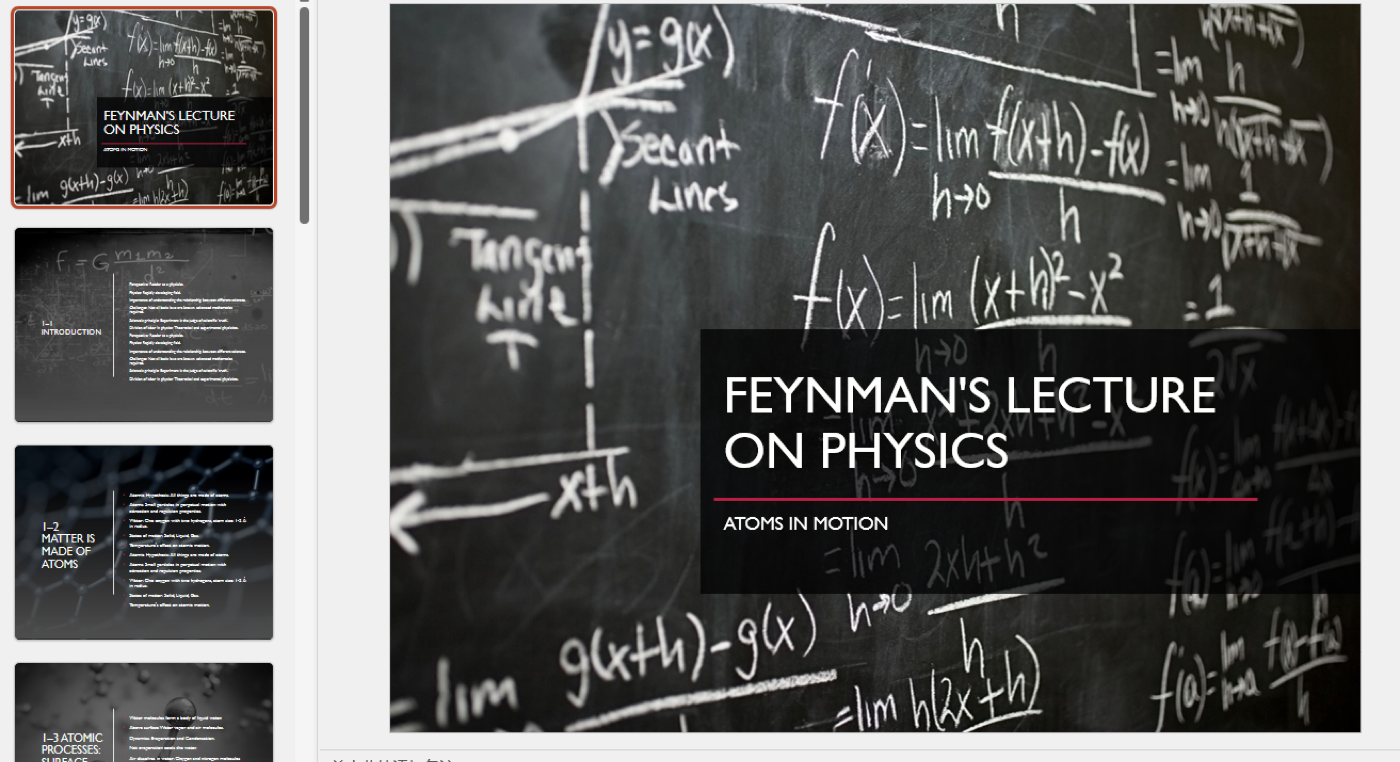
A quick pass through PowerPoint's Designer feature gets it to a usable state.
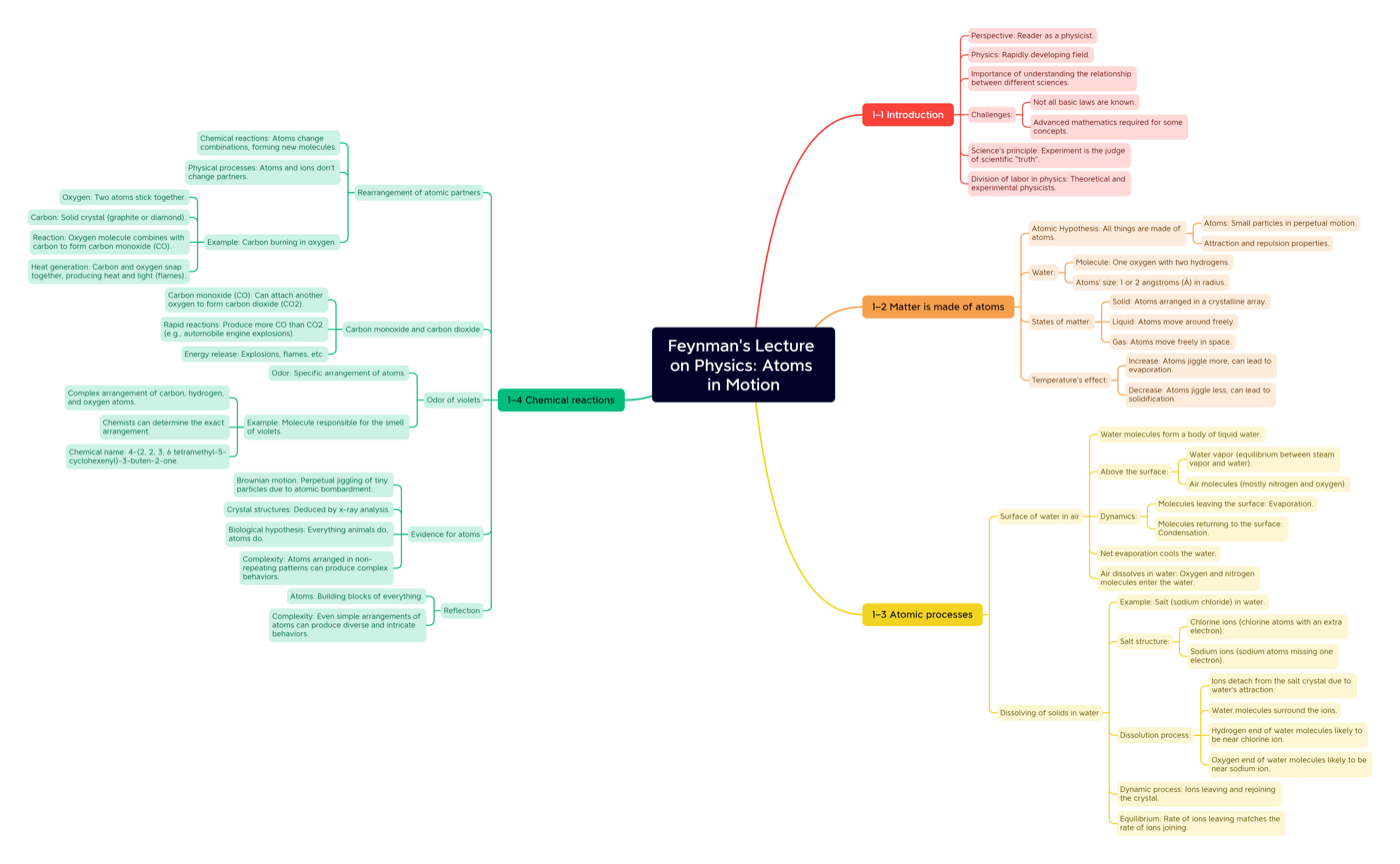
The mind-map output can be dropped directly into Xmind.